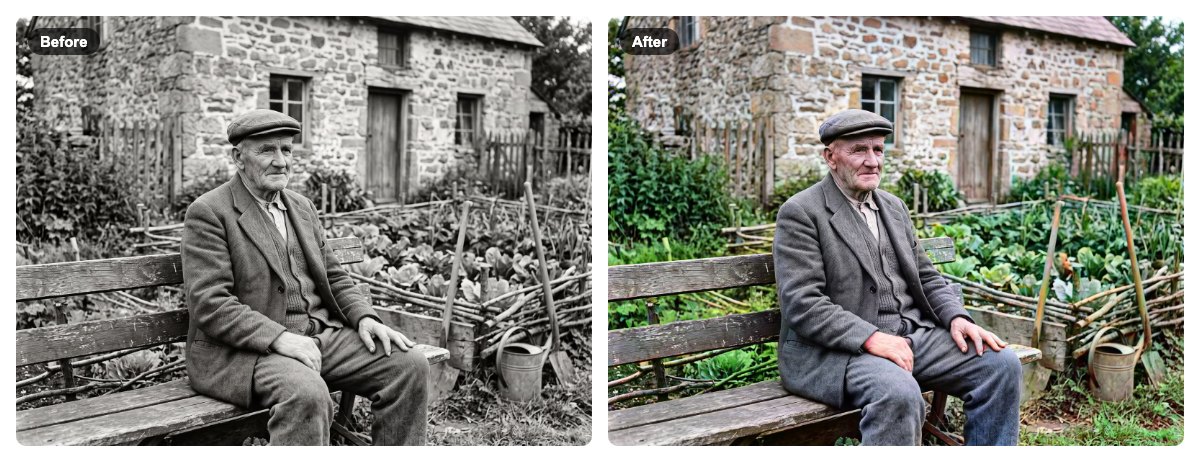
How to Colorize a Black and White Photo for Free
Turn an old black and white photo into color for free, in your browser. Step-by-step guide with screenshots — no upload, no sign-up, no watermark.
5 min read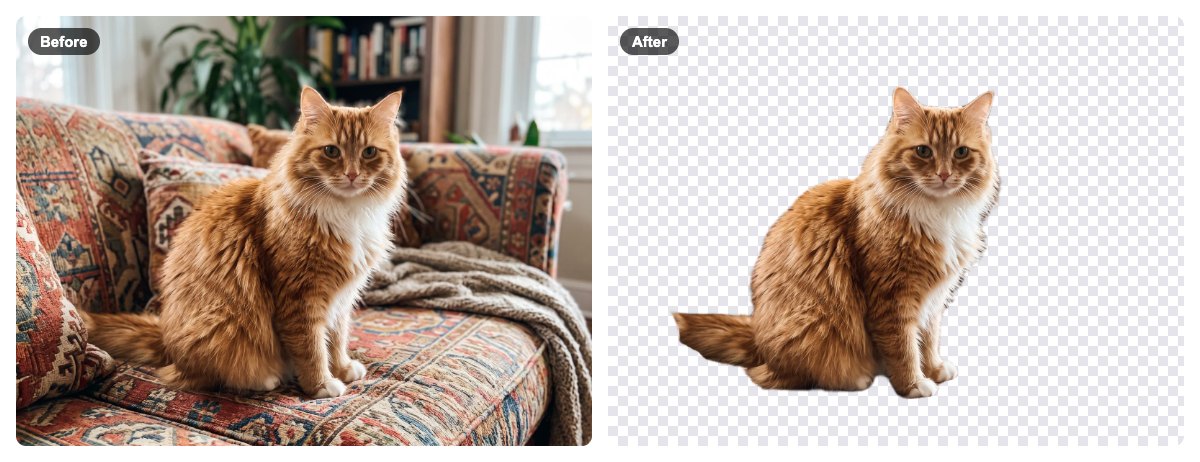
How to Remove the Background From a Photo, Free and Private
Cut out a person, product or pet and get a transparent PNG for free. Step-by-step guide with screenshots — the photo never leaves your browser.
5 min read
How to Make a GIF From a Video, Free and Private
Turn any video clip into a looping GIF or animated WebP for free. Step-by-step guide with screenshots, plus how to keep the file small. Nothing is uploaded.
4 min read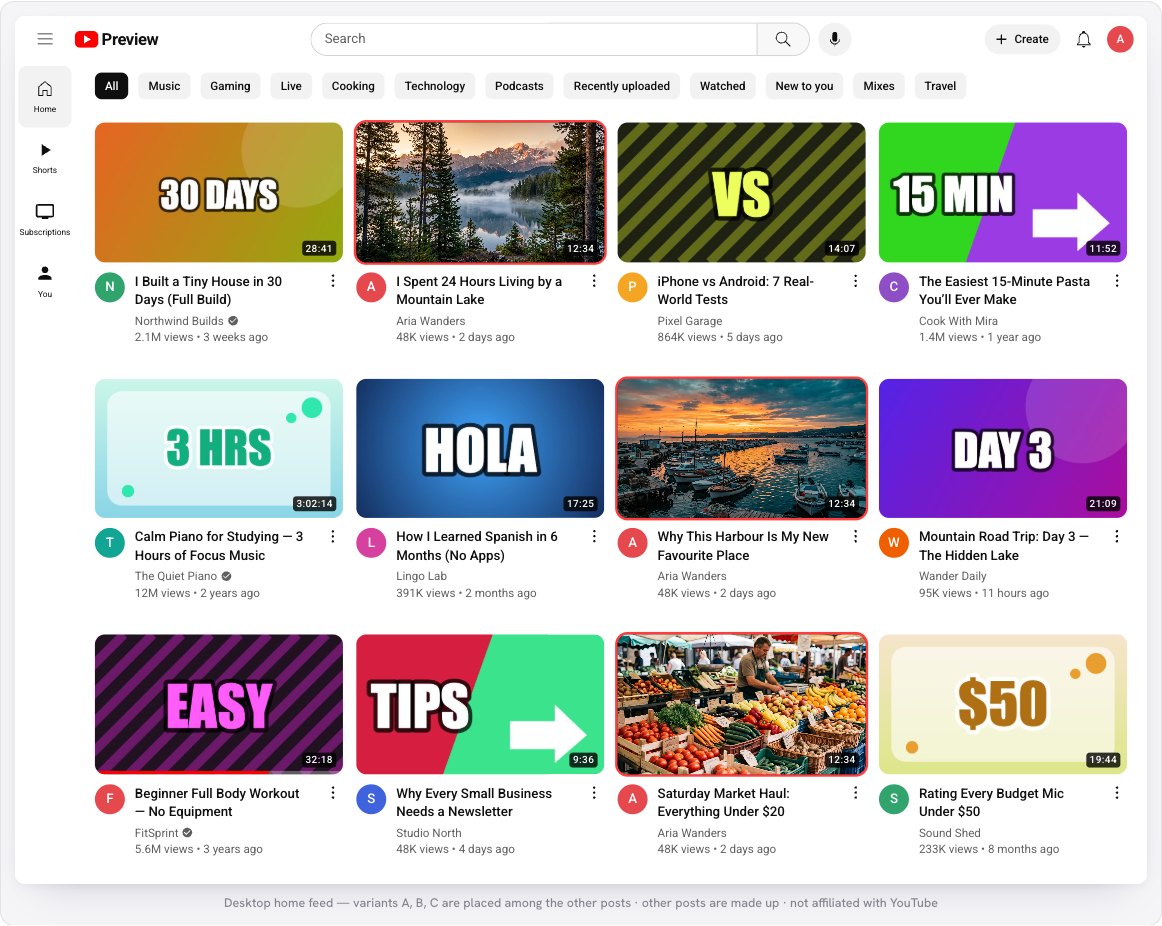
How to Test a YouTube Thumbnail Before You Upload
Preview your YouTube thumbnail and title in the home feed, search, up next and on mobile — beside other videos. Compare up to 3 versions. Free, nothing is uploaded.
6 min read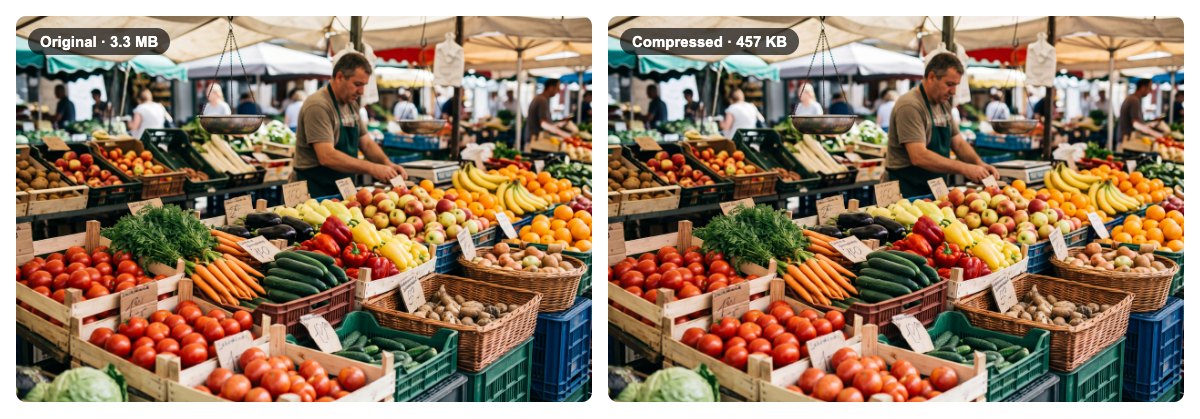
How to Reduce an Image’s Size in KB, Free and Without Uploading It
Make a photo much smaller in KB or MB without visible loss. Step-by-step guide with screenshots; compress one image or many at once. Nothing is uploaded.
4 min read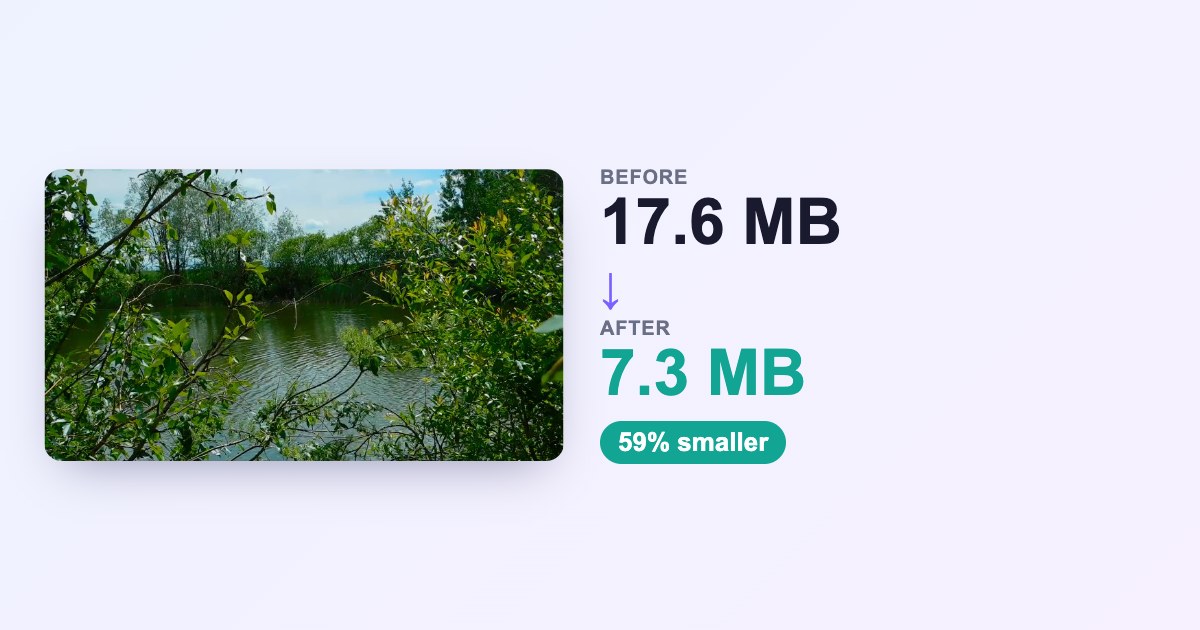
How to Compress a Video Without Losing Quality (Free, in Your Browser)
Shrink a video to a fraction of its size for email, chat or social. Step-by-step guide with screenshots and real numbers. Your video is never uploaded.
5 min read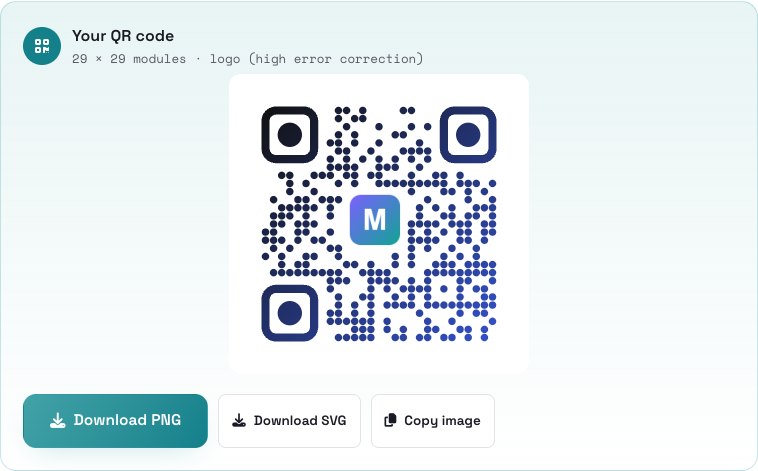
How to Make a Free QR Code With Your Logo
Create a styled QR code for a link, Wi-Fi, contact and more — with custom shapes, colors and your logo. Free, no sign-up, download PNG or SVG.
5 min read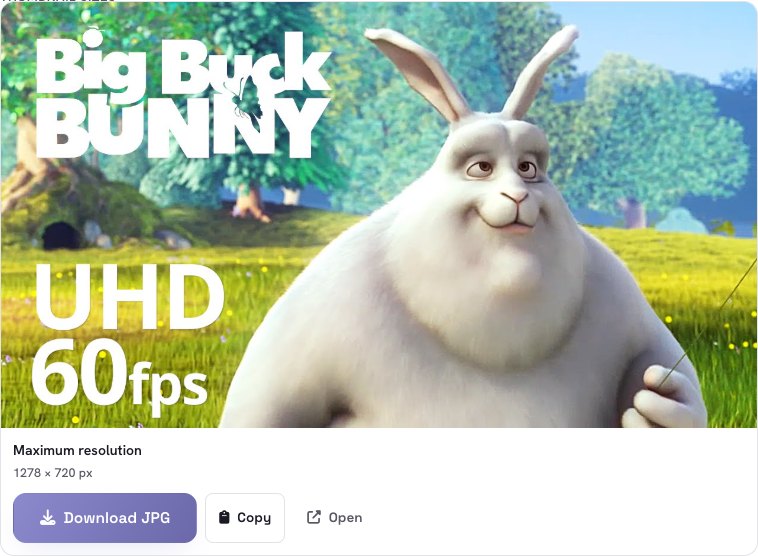
How to Download a YouTube Thumbnail in HD
Get any YouTube video’s thumbnail in HD (1280×720) and every other size. Paste a link, remove the black bars, save or copy. Free, no upload.
4 min read