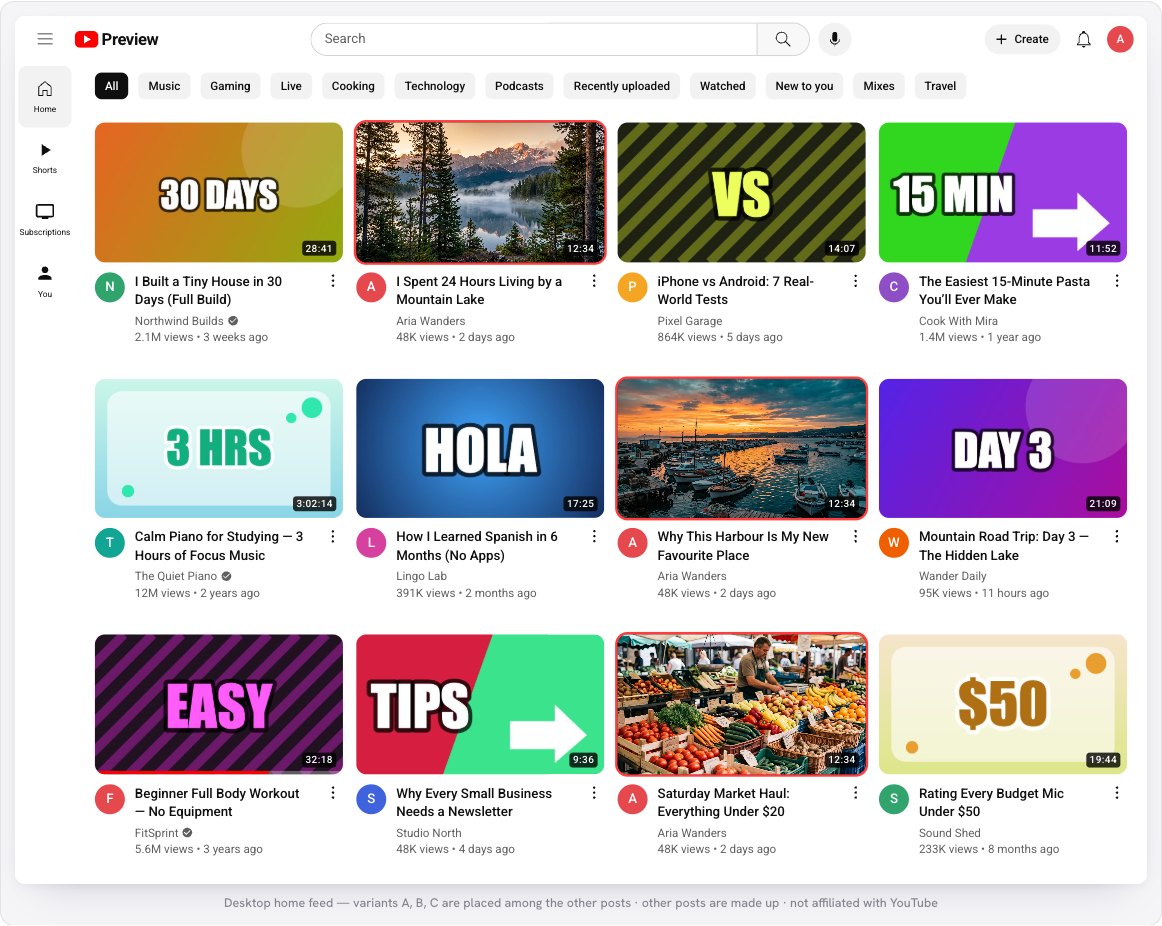
The tool is the YouTube Thumbnail Preview. It draws a realistic home feed, search results, “up next” list, channel page and phone screens with made-up videos around yours. Your images never leave your browser.
You need one to three thumbnail images (1280 × 720 is the standard size) and, optionally, the title you plan to use.
1Add up to three thumbnails
Open the tool and drop your images onto the box, click to choose them, or paste with Ctrl+V. You can also import from a YouTube link to pull in an existing thumbnail and title, or press Try a sample. Each thumbnail becomes variant A, B or C.
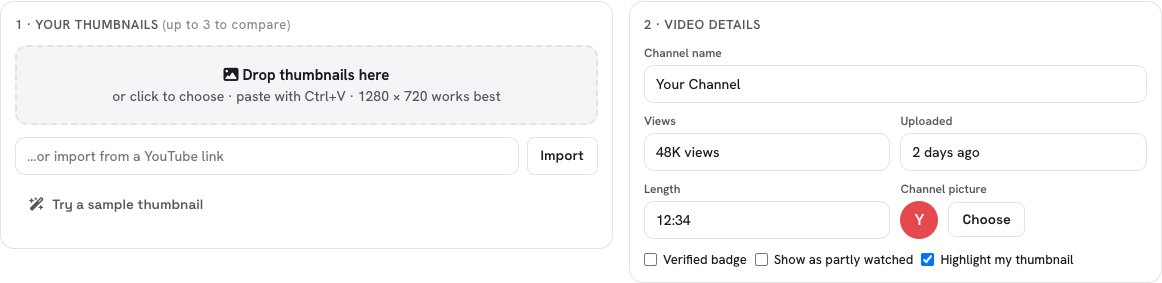
2Write a title and fill in the details
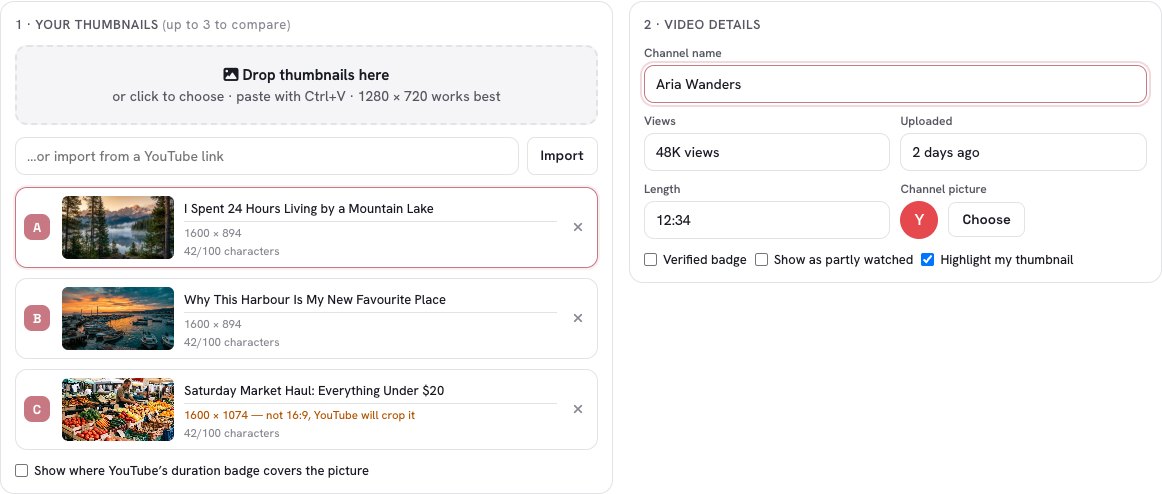
Type a title under each thumbnail — you can test different wording for each one. A counter shows how many of the 100 characters you used. Then add your channel name, views, upload age and video length so the preview feels real.
If an image is not 16:9 or is smaller than 1280 pixels wide, the tool tells you right under it.
3See them in the home feed
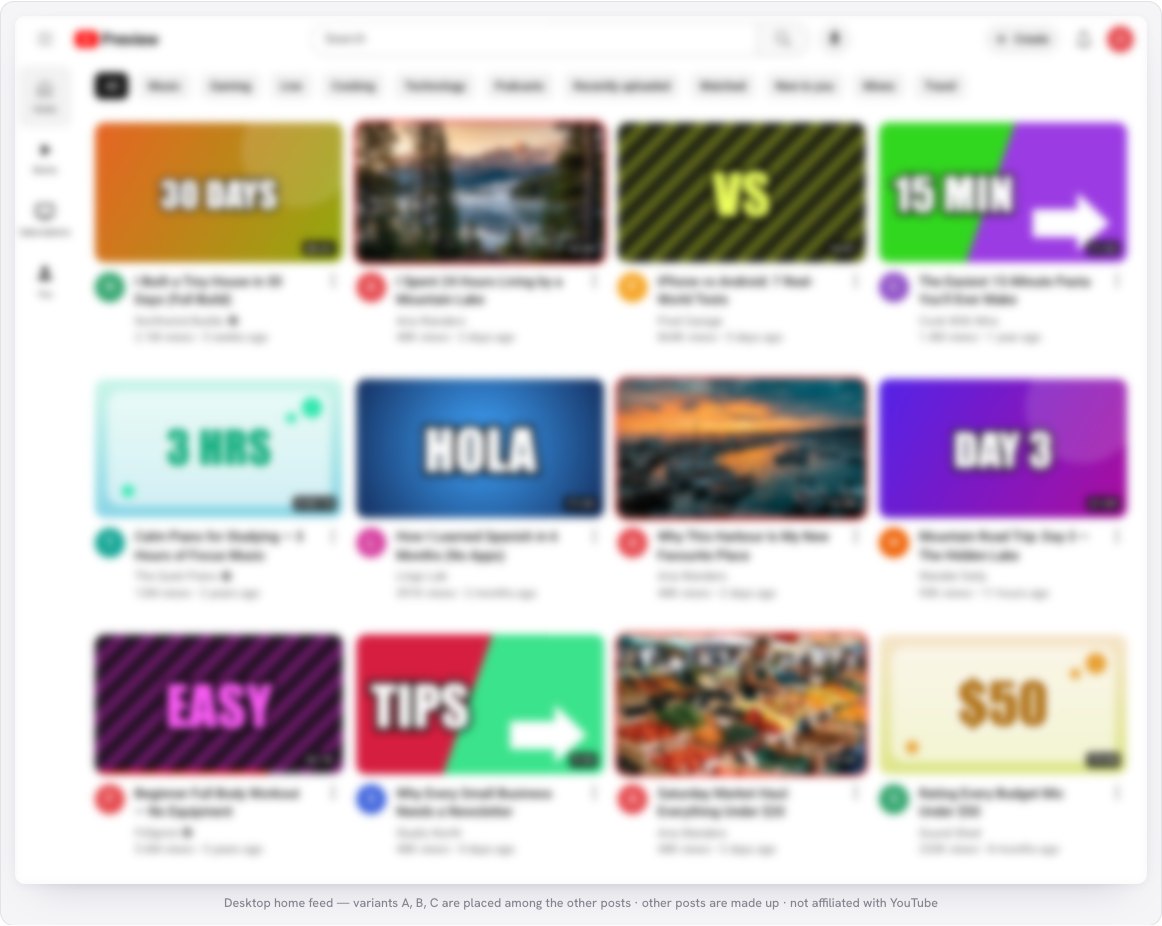
Open the Home tab. Your thumbnails sit among other videos, so you can judge whether they stand out. Use Compare to show all variants together, or view One at a time. The red outline (you can switch it off) shows which ones are yours.
Also try the Search, Up next, Channel and Mobile tabs — each placement crops and sizes the picture differently.
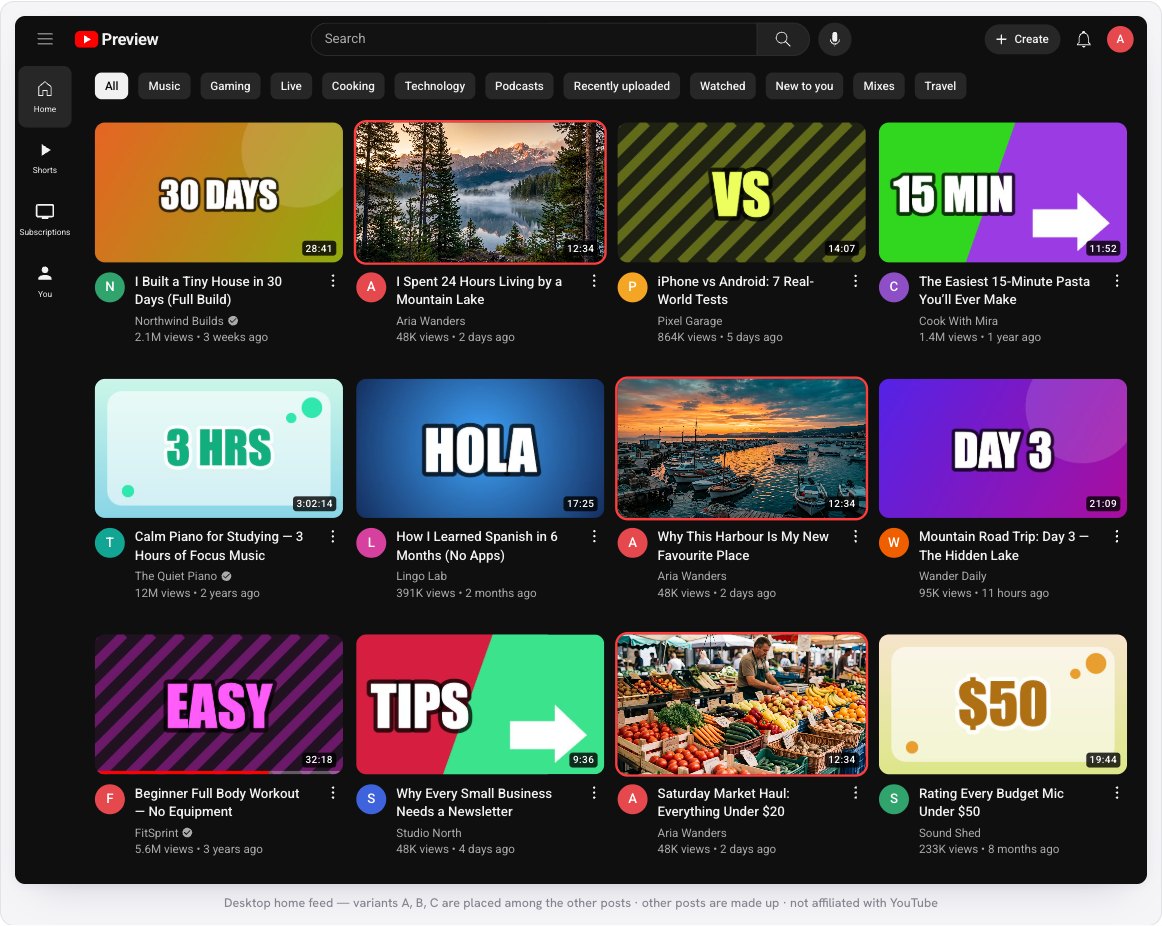
4Try dark mode
Many viewers use dark mode. Switch the theme to Dark and check that your thumbnail still pops against a black page — bright edges and strong contrast usually survive, while very dark pictures can melt into the background.
5Run the squint test
Switch Test to Squint, which blurs the page. Squint at your screen: can you still tell which thumbnail is yours, and what it shows? If a picture turns into a muddy blob, it will not catch the eye. Grayscale does the same without color — a great check for contrast.
6Check the real sizes
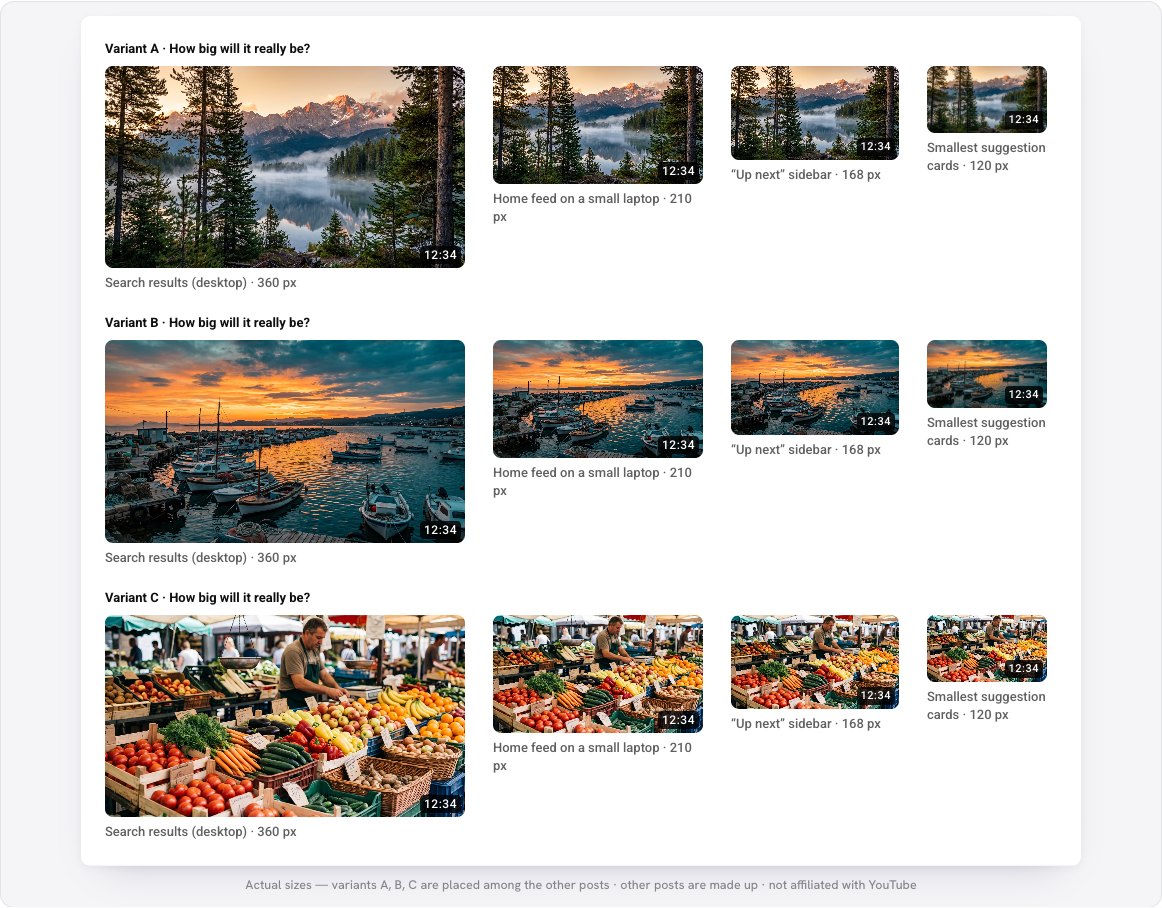
Open Tiny sizes to see each thumbnail at the widths YouTube really uses — 360, 210, 168 and 120 pixels. Text that looked fine at full size is often unreadable here. If it is, make the words bigger or use fewer of them.
Finally, tick Show where YouTube’s duration badge covers the picture in the first box to see the corner that will be hidden by the video length.
What to look for
- One clear subject. The thumbnails that survive the shrink usually show one face or one object, big.
- Very few words. Three or four large words beat a sentence. Do not repeat the title on the picture.
- Contrast with the neighbors. Use the Compare view: a picture stands out when it differs from what surrounds it.
- Mind the bottom-right corner. The video length covers it, so keep important details elsewhere.
- Test the title too. Titles are cut off after about two lines in the feed, so put the strongest words first.
Remember this is a look-alike for testing. YouTube changes its design and shows thumbnails differently on TVs, tablets and in apps, so treat the preview as a guide, not a guarantee.
Test your next thumbnail before it goes live — free, and your images never leave your device.
Open the YouTube Preview →Frequently asked questions
Is it free?
Are my thumbnails uploaded?
What size should a YouTube thumbnail be?
Can I compare two thumbnails?
Is this the real YouTube?
Can I save the preview?
The example images are AI-generated. The videos, channels and numbers in the preview are made up.